Description
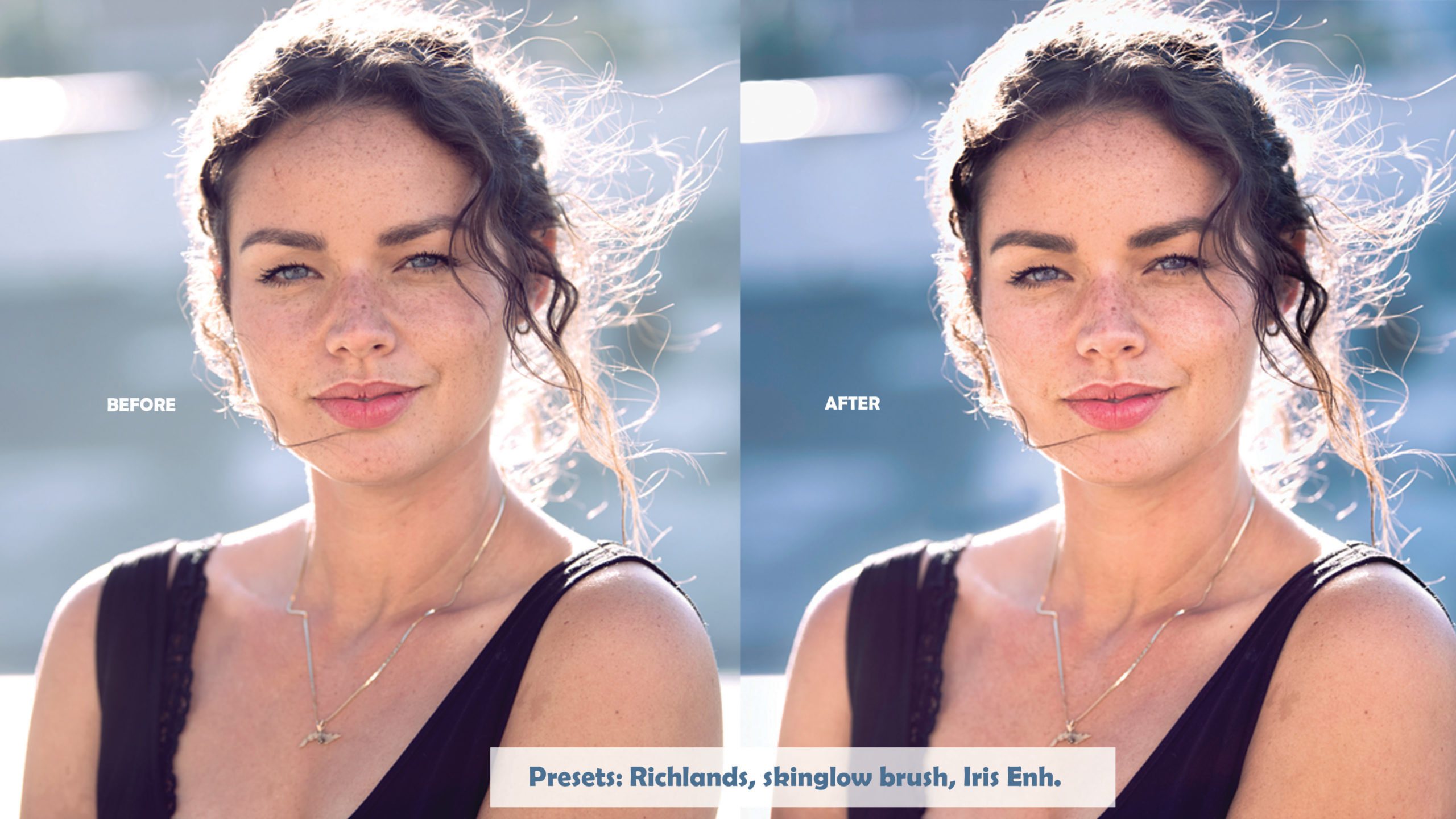
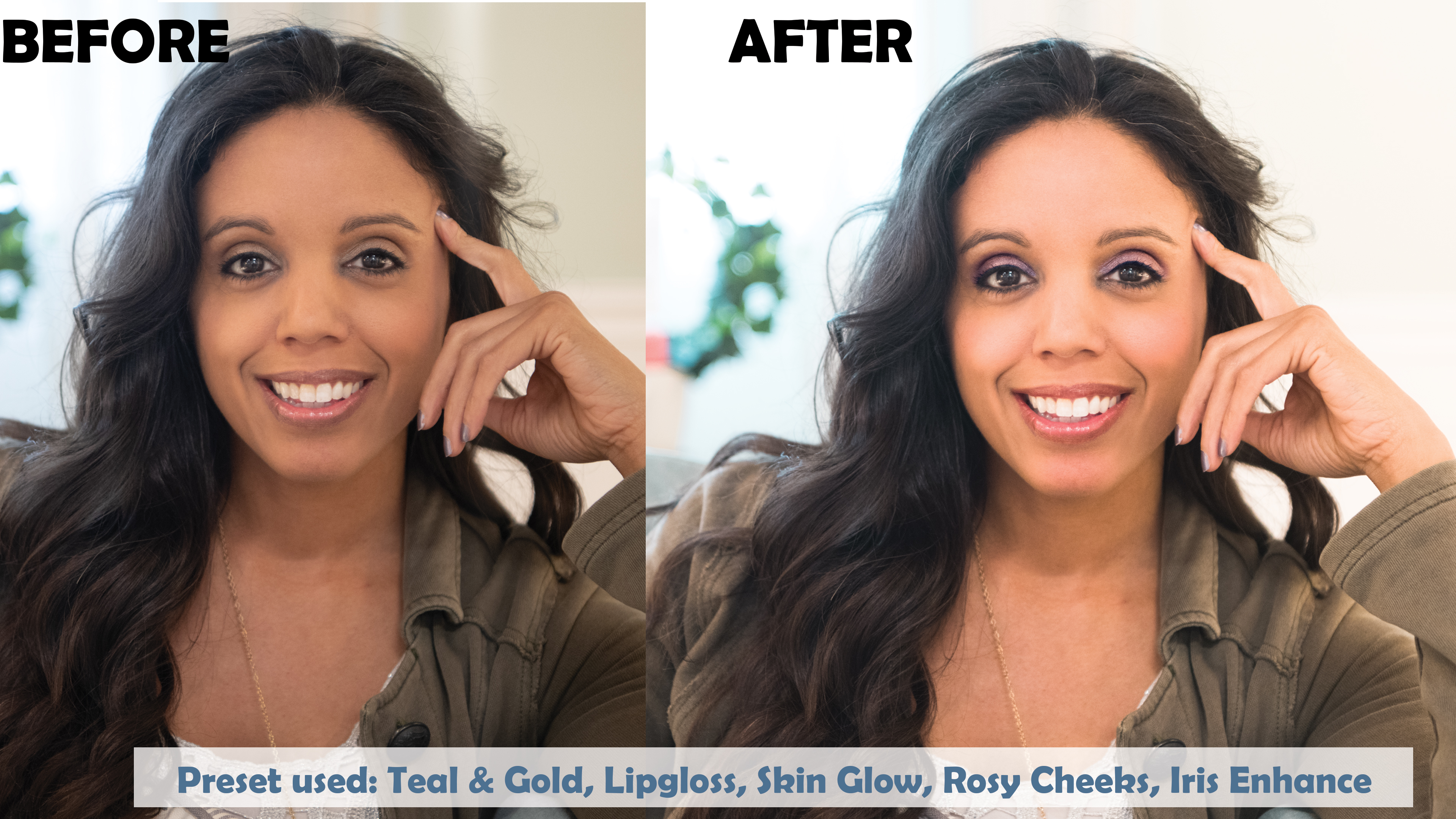
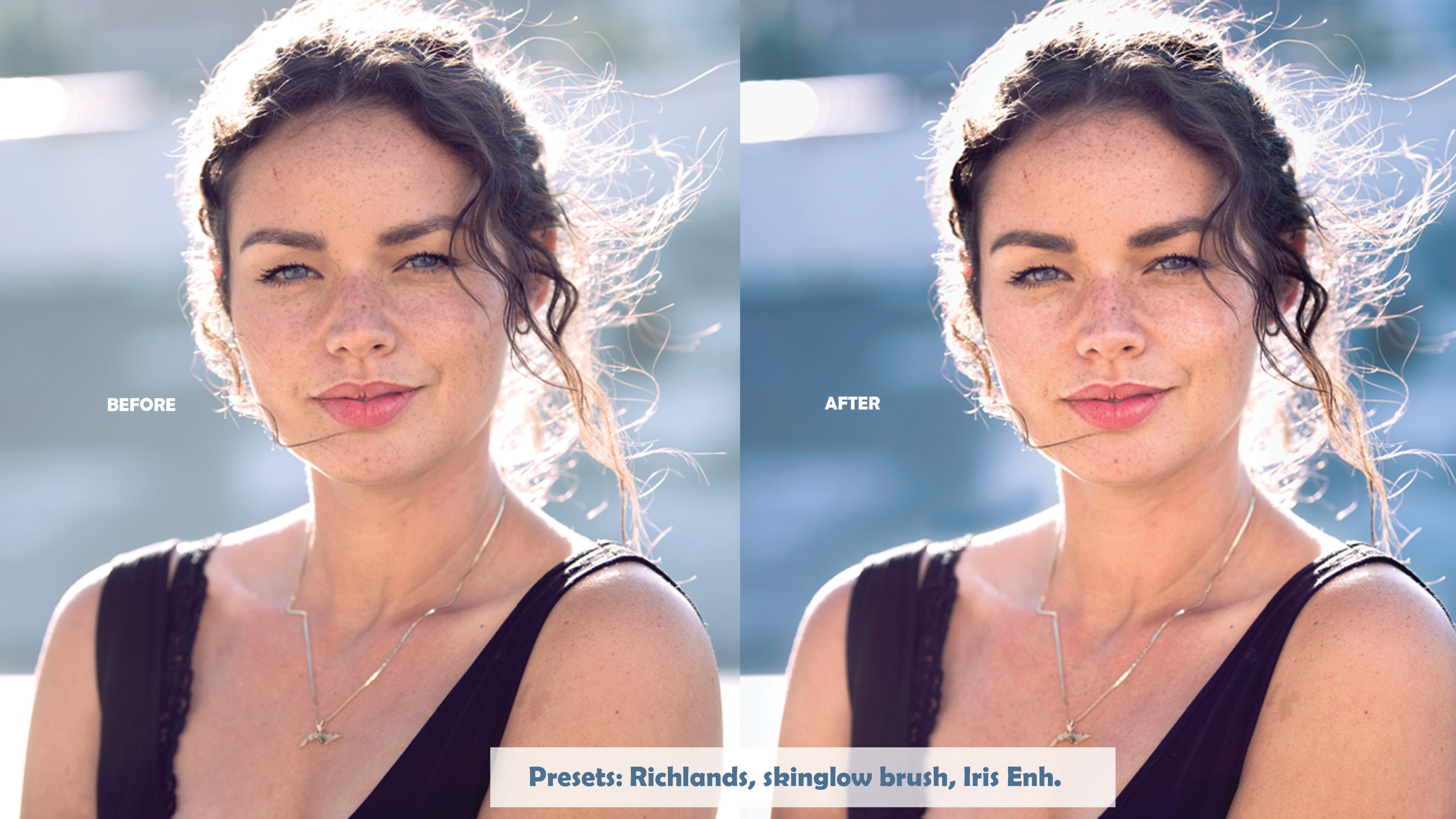
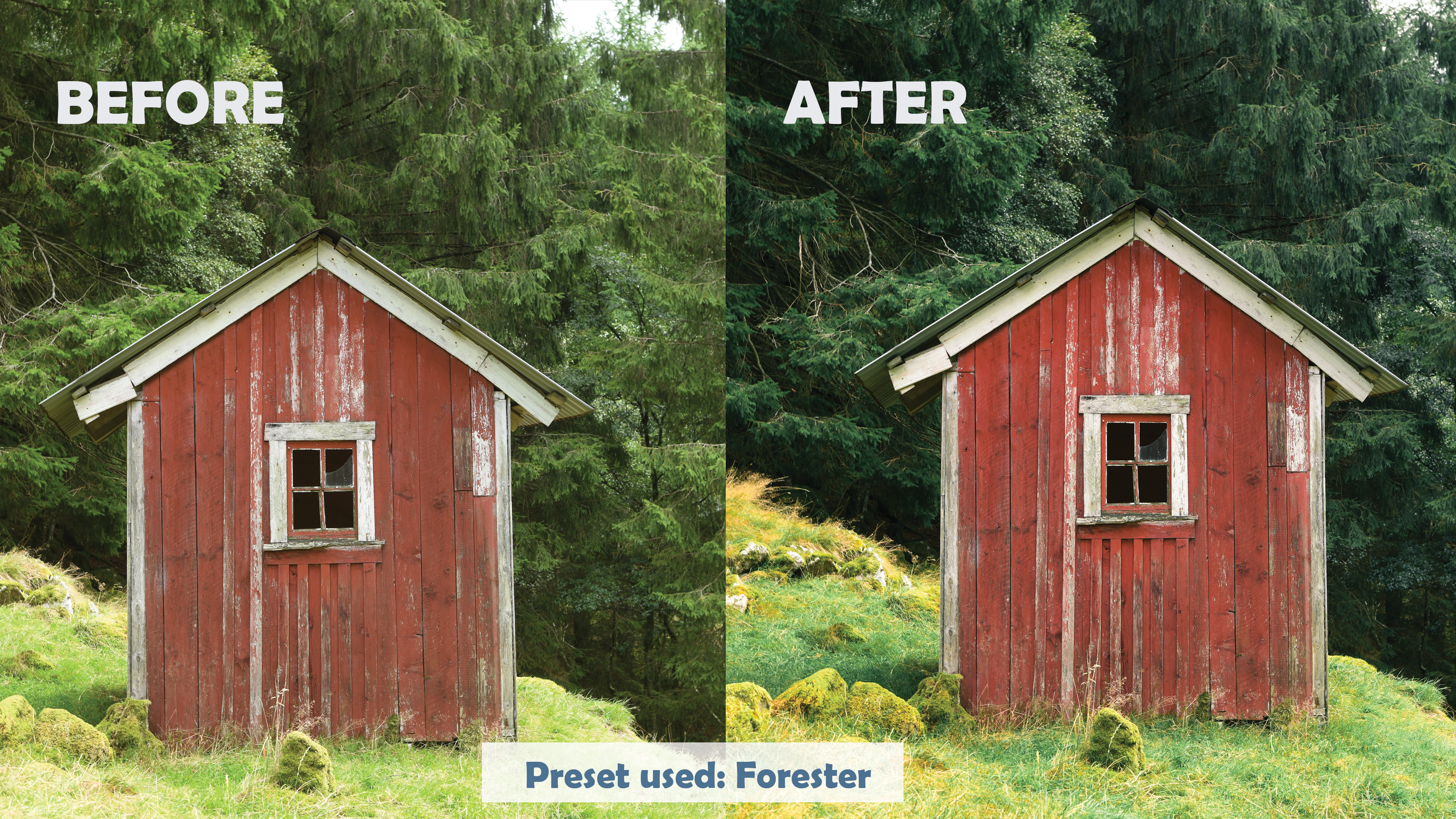
See the difference
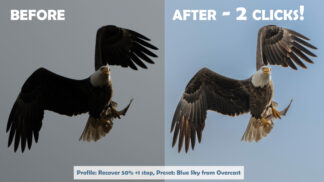
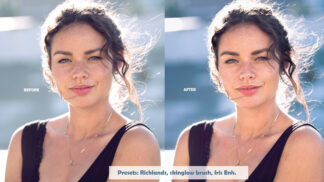
Before and after
Edits made with the pack. Click any photo to see it larger.
How it works
Three simple steps
-
1
Download
Check out and download the presets and brushes right away.
-
2
Import
Import the presets into Lightroom or Lightroom Classic and add the brushes. The included video walks you through it.
-
3
Click and brush
Apply a preset for the overall look, then paint on the finishing touches with the portrait brushes.
Choose your pack
Download now, or get both packs on an SD card
Most popular
Creative Presets
$49.99
Instant download
- Chelsea’s 25 creative presets
- Her custom portrait brushes
- A video that shows you how to install and use them
Both packs on SD
$89.99
Shipped to you, plus an instant download
- Chelsea’s Creative Presets and Tony’s Technical Presets
- On a reusable 32GB SD card in an autographed case
- Plus the instant download
SD cards ship from the US via USPS. Shipping is calculated at checkout.
FAQ
Questions, answered
Do I need Photoshop?
No. The portrait brushes let you retouch skin, lips, cheeks and eyes right in Lightroom.
Which versions of Lightroom do they work with?
Lightroom Classic and Lightroom. In Lightroom, presets you import on a computer sync to your other devices.
What’s in the Technical Presets?
Tony’s profiles and presets for bluer skies, less noise and more dynamic range. Get them with this pack on the SD card, or on their own as Technical Presets.
What if they’re not for me?
You’re covered by our 100% money-back guarantee. If you’re not happy for any reason, let us know and we’ll give you a full refund.
Retouch portraits without leaving Lightroom
Chelsea’s 25 creative presets and portrait brushes, with a how-to video and our money-back guarantee.