


Description
How it works
Read it, watch it, then do it yourself
The book and the videos teach the same lessons, so you can read, watch, or both, whichever fits your day.
-
1
Read it
About 200 pages of clear, step-by-step lessons built around real portraits, landscapes, wildlife, sports and event photos.
-
2
Watch it
40+ ad-free training videos, more than four hours in all. Watch along as you read, or on their own in any order you like.
-
3
Practice it
Download 80+ sample images, many as high-resolution raw files, and edit along with every example.
Look inside
See how the lessons are laid out
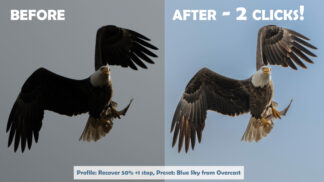
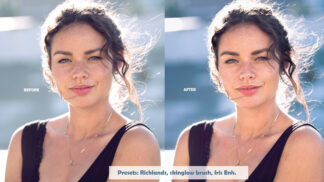
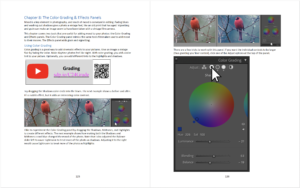
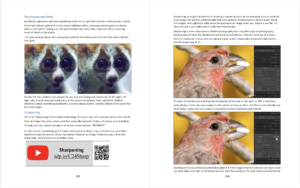
Clear explanations, big screenshots and real before-and-after examples on every spread.


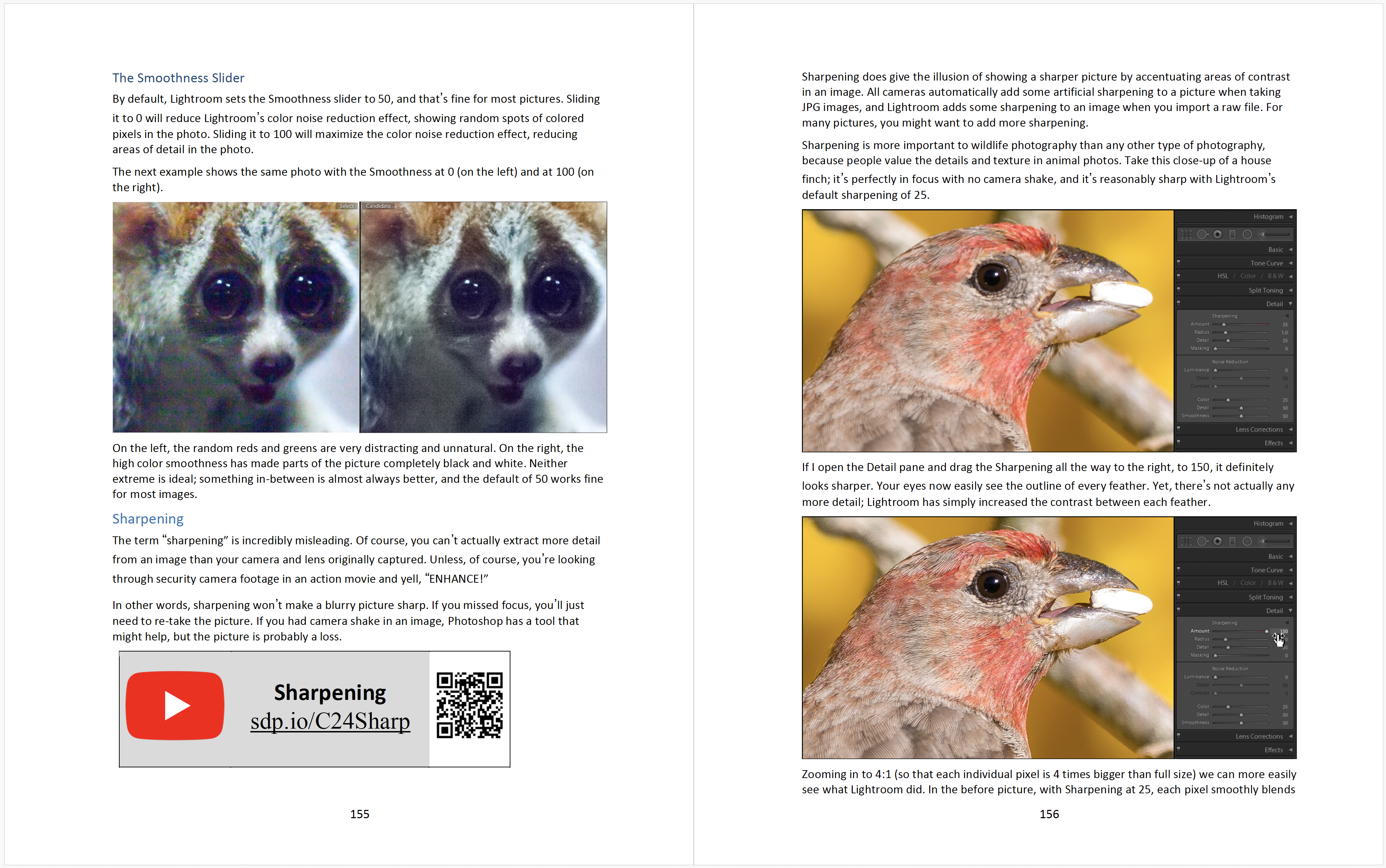

Sample lesson
Watch a sample video
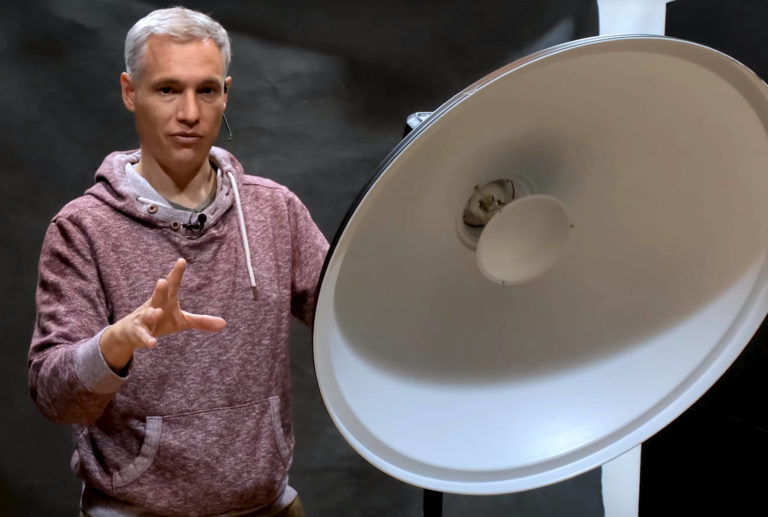
Here’s a taste of the video training.
What you’ll learn
Every part of Lightroom Classic, explained
Want a quick start? Watch the first video or read the first chapter and you’ll be organizing and editing your pictures in less than an hour. Then dive into whatever feature you need.
Start here
Organize
- Importing and organizing your photos
- Finding and sorting your best shots
- A quick start that has you editing within an hour
Then
Edit
- Every slider and dropper, explained
- Brushes and masks for precise local edits
- Real-world portraits, landscapes, wildlife, sports and events
Level up
Finish
- Lens Blur and generative AI tools
- Editing high-resolution raw files
- Sharing and exporting your photos
Reader reviews
What readers say about our Lightroom books
There are a lot of ebooks and hardcover books out there about Lightroom. This is the best!! Period.
Very clear and straightforward language, easy to follow. I read parts of material and then stop and go try it out. Easier to understand than the information provided by Adobe
This book & the accompanying videos are well worth the money. I purchased this as an ebook, and it is great that the links quickly & smoothly take me to the videos.
It’s not overly technical so it won’t put you to sleep 30 seconds after picking it up.

Choose your format
Paperback or eBook. Both include every video.
eBook
$79.99
Instant access
- The complete book to read on any device
- 40+ training videos, streamed online
- 80+ downloadable sample images
Most popular
Paperback + eBook
$99.99
Shipped to you, with the eBook and videos available instantly
- The paperback book, shipped to you
- Everything in the eBook version, instantly
- 40+ training videos, streamed online
- 80+ downloadable sample images
Prefer to learn offline? Choose the reusable 64GB SD card option at the top of the page to get the videos and sample files on a card, for $20 more.
Paperbacks and SD cards ship from the US via USPS. Shipping is calculated at checkout.
FAQ
Questions, answered
I’m new to Lightroom Classic. Is this for me?
Yes. Watch the first video or read the first chapter and you’ll be organizing and editing your pictures in less than an hour. The lessons are structured so beginners and advanced photographers can both learn efficiently, and you can jump straight to any feature.
Is this for Lightroom Classic or the newer Lightroom app?
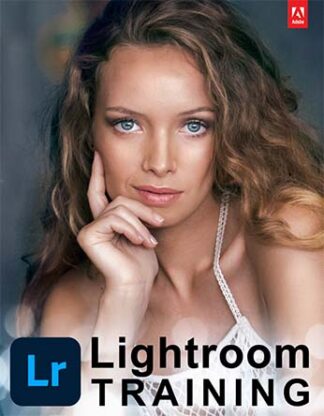
This course covers Lightroom Classic, the desktop app. If you use Lightroom, the app that syncs across your phone, tablet and computer, see Adobe Lightroom Training for Photographers.
Can I edit the same photos you use?
Yes. You can download the 80+ example photos from the book and edit along with each step. Many are professional, high-resolution raw files, so you can practice on 50+ megapixel files even if you don’t own pro gear.
How do I watch the videos?
Stream them online from any web browser. Prefer to watch offline? Choose the reusable 64GB SD card option, which also includes the sample files.
Where do you ship?
We ship from the US via USPS, both within the US and internationally. Shipping is calculated at checkout, and your eBook and videos are available right away.
Edit faster, and love the results
Join the 10,000+ photographers who learned Lightroom with our books.