Description
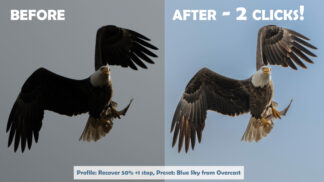
See the difference
Drag the sliders to see the presets in action
Before-and-after examples from the pack.
How it works
Three simple steps
-
1
Download
Check out and download the preset pack right away.
-
2
Import
In Lightroom Classic, choose File > Import Develop Profiles and Presets. In Lightroom, choose File > Import Profiles & Presets.
-
3
Click and tweak
Apply a preset to any car photo, then fine-tune it to taste. The included video walks you through it.
FAQ
Questions, answered
Which versions of Lightroom do they work with?
Lightroom Classic and Lightroom. In Lightroom, presets you import on a computer sync to your other devices.
Do I need to be at a car show?
No. They’re designed for car show photos, but you can use them on any car photo: Glam for modern cars and Retro for classics.
What if they’re not for me?
You’re covered by our 100% money-back guarantee. If you’re not happy for any reason, we’ll refund your purchase.
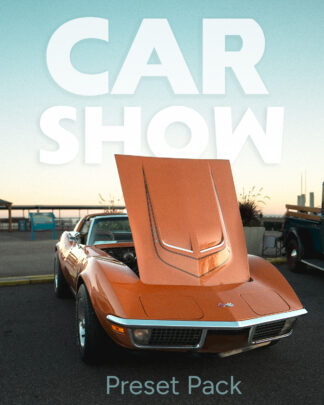
Give every car photo instant style
20 Glam and Retro presets for Lightroom, with a how-to video and our money-back guarantee.